Find what fills your Mac. Remove only what you choose.
MyMole is a SwiftUI cleaner, disk map and uninstaller. It finds app caches, logs, leftovers, old installers and bulky project folders, shows exactly what each item is, and waits for you to choose. Your own files go to the Trash, with Undo. It makes no network requests.
Source available on GitHub; free for personal use, with a commercial license for business use. An App Store edition and a Developer ID edition are built from the same code. See the repository for build requirements.
Every pane shows what it found before anything moves.
Explore the interface through eight screenshots taken on a mock Mac with fictional apps, projects and files.
1 / 8
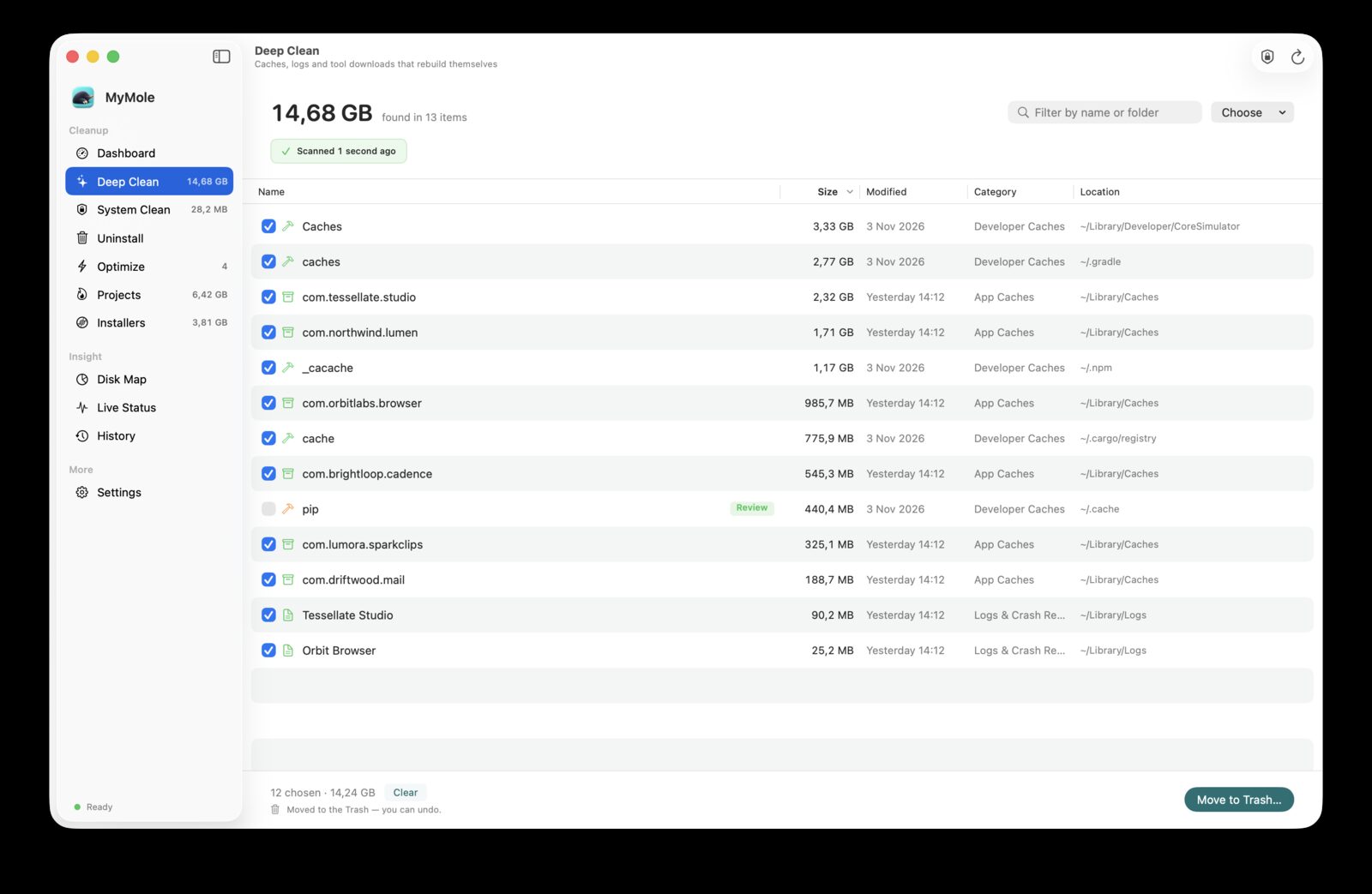
01 · Deep Clean
Caches, logs and leftovers, with safe items chosen first.
Finds app caches, sandboxed apps' caches, logs and crash reports, package managers' download caches and Mail attachments. Safe items start chosen; items needing review, caches of running apps and anything on your keep list do not.
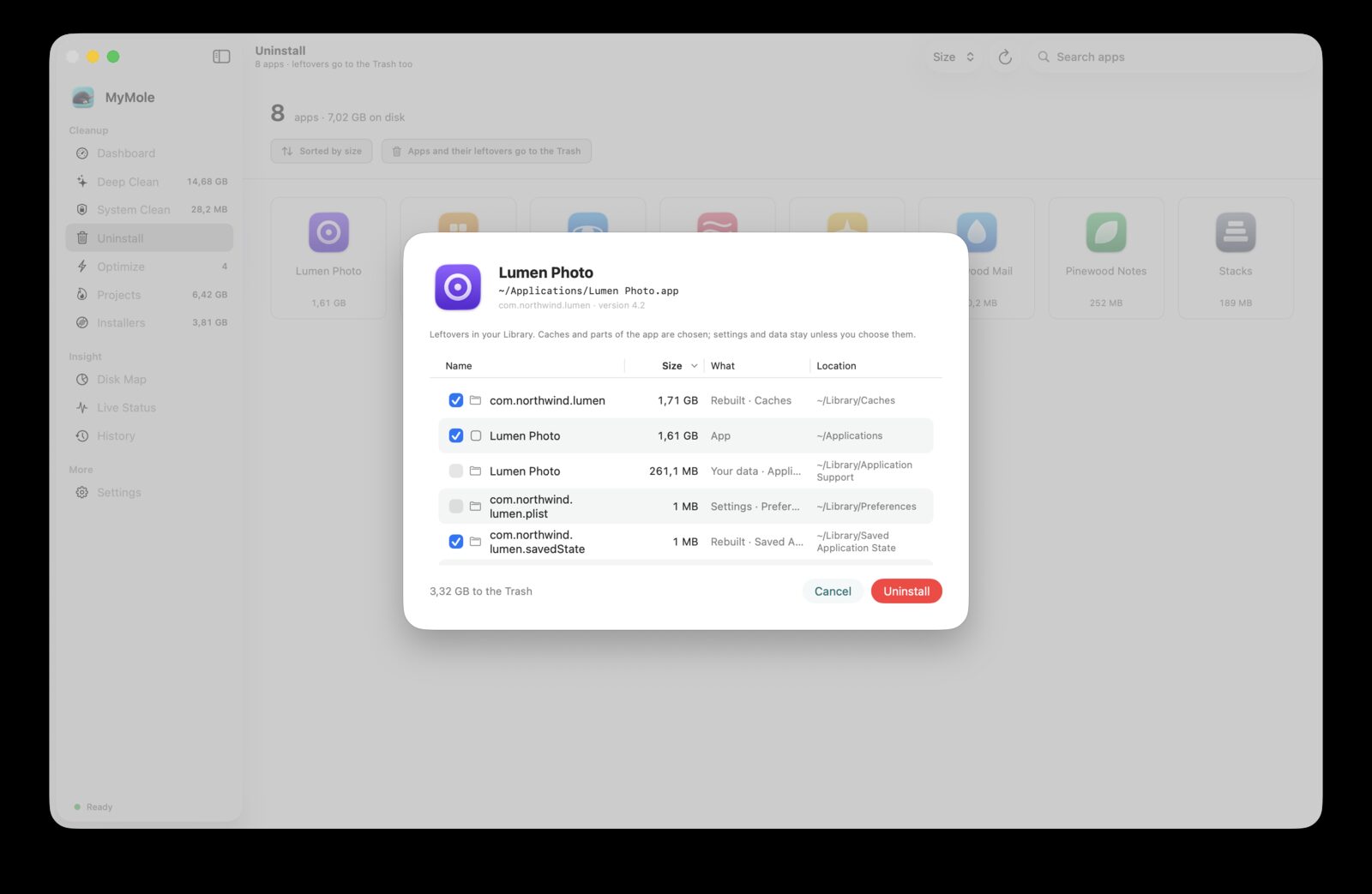
Lists the apps in /Applications and ~/Applications with their size and finds their leftovers by exact bundle ID or name: containers, login items, helpers, extensions, launch jobs and receipts. Running apps, parts of macOS and apps with their own uninstaller are refused.
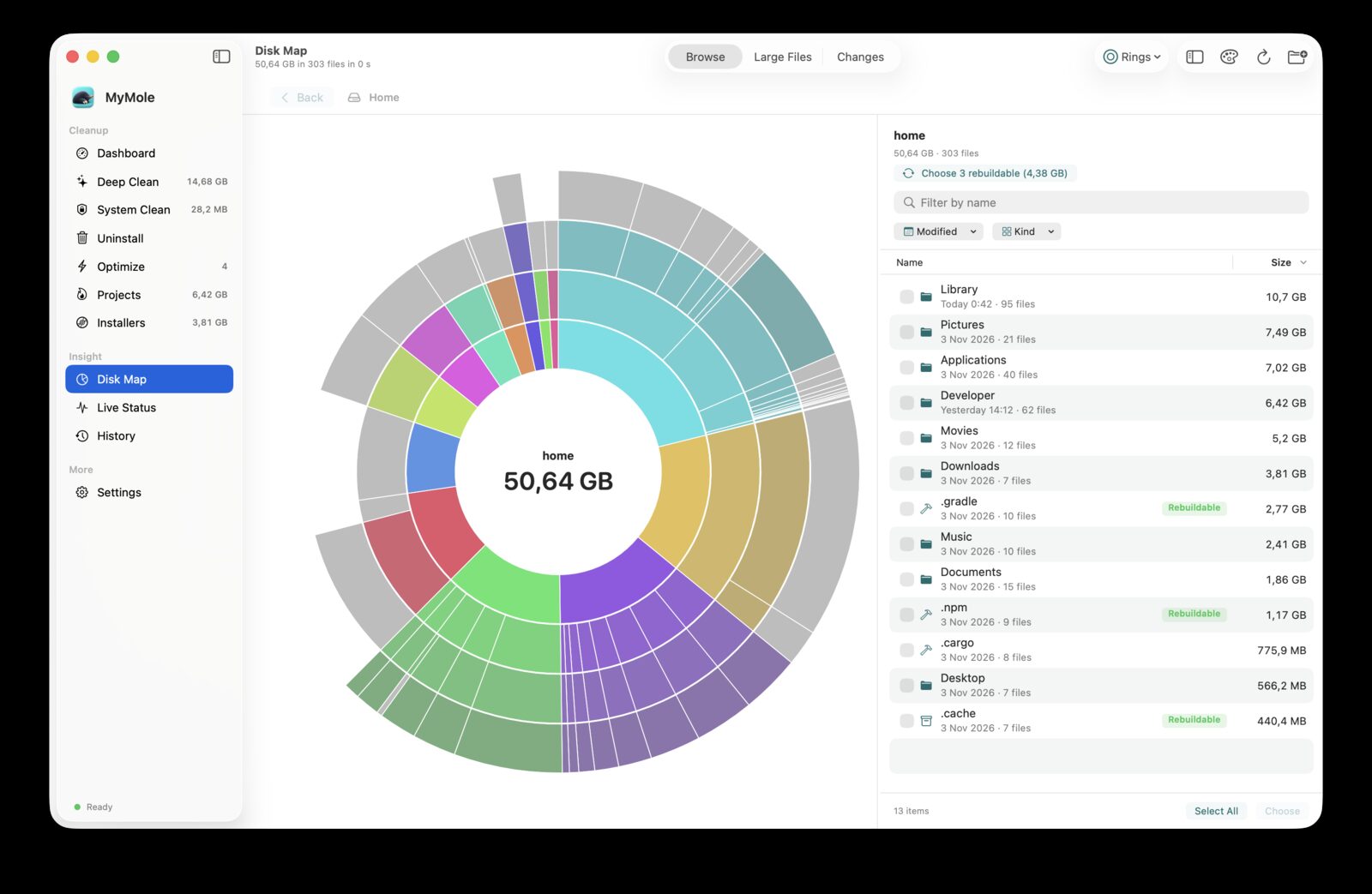
A parallel scanner reads whole directories per system call and draws a sunburst and a treemap. Mark folders and files from the list, sort Large Files by kind and age, and compare any two of the last 30 scans to see what grew, appeared, shrank or disappeared.
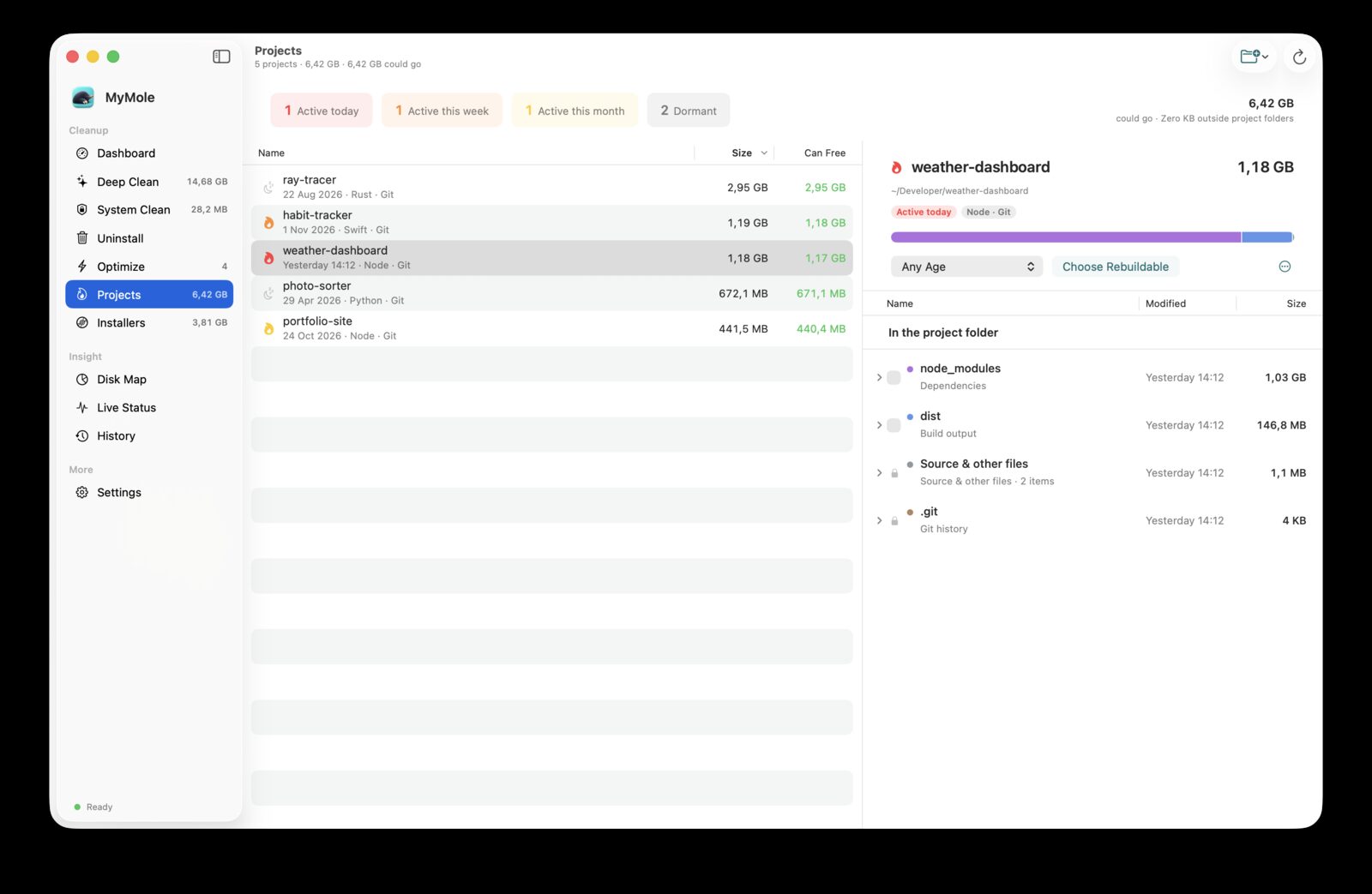
Find the build output and dependencies your projects pile up.
Shows everything each development project takes: build output, dependencies, caches and agent worktrees in the folder, plus Codex and Claude Code sessions, Xcode DerivedData and Library containers tied to it. Source and git history are never offered.
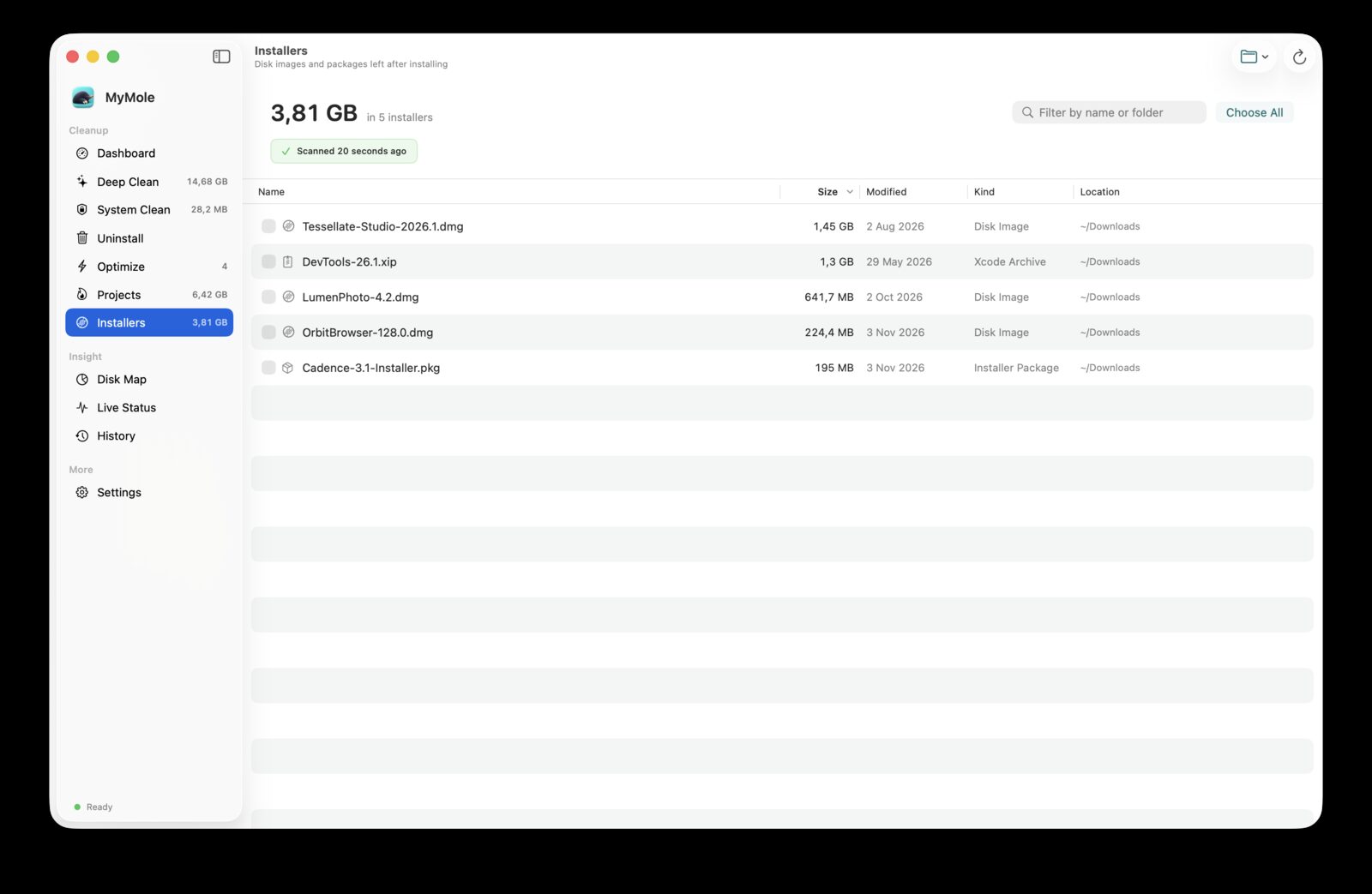
Lists disk images, installer packages and Xcode archives in Downloads, Desktop, Documents and Homebrew's download cache. Nothing is chosen for you; what you tick is checked again and moved to the Trash, with Undo.
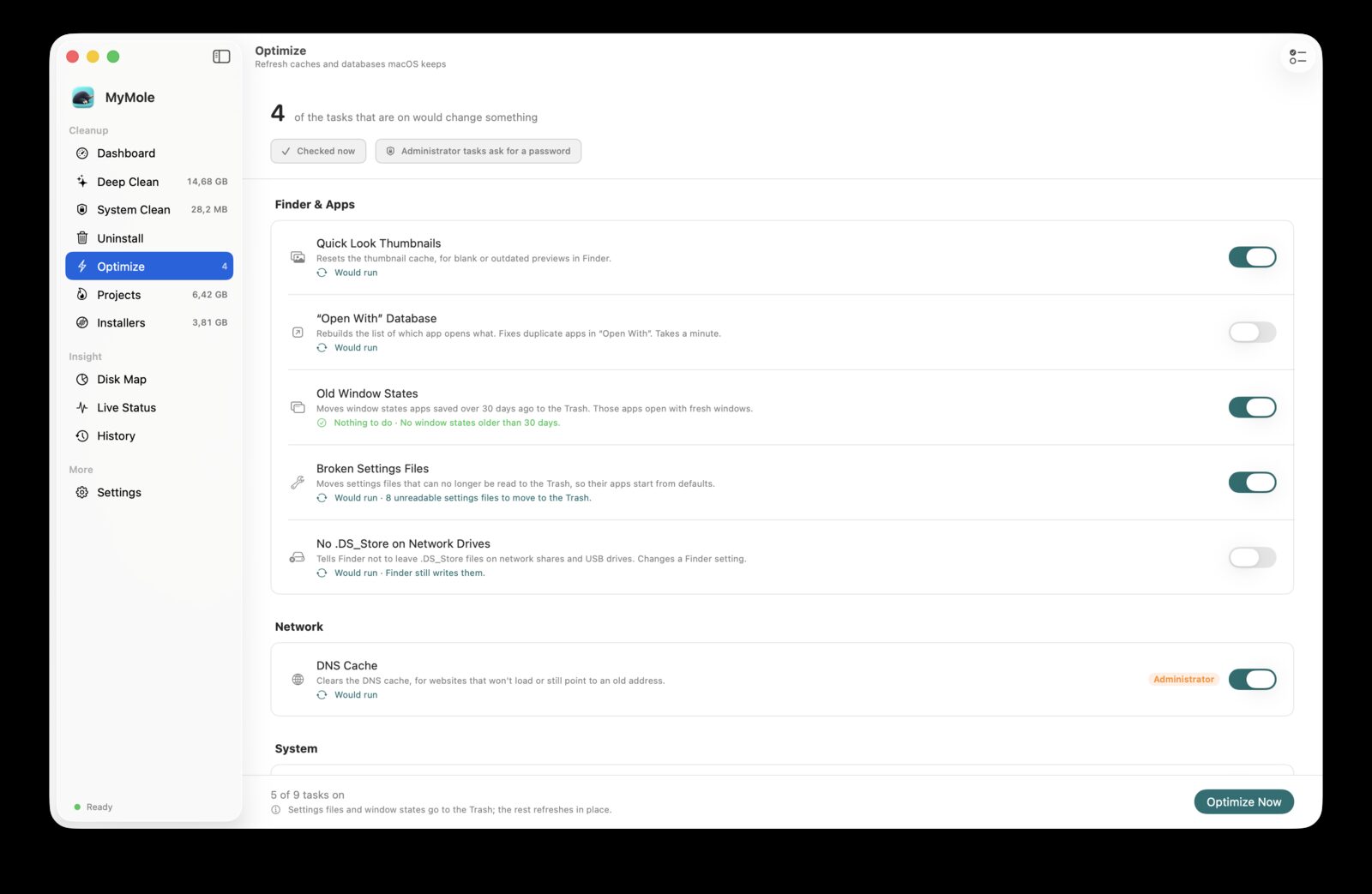
Runs a fixed set of tasks: Quick Look and "Open With" databases, old window states, unreadable settings files, the DNS cache, housekeeping scripts, the Spotlight index and a read-only disk check. Check shows what a run would do before anything changes.
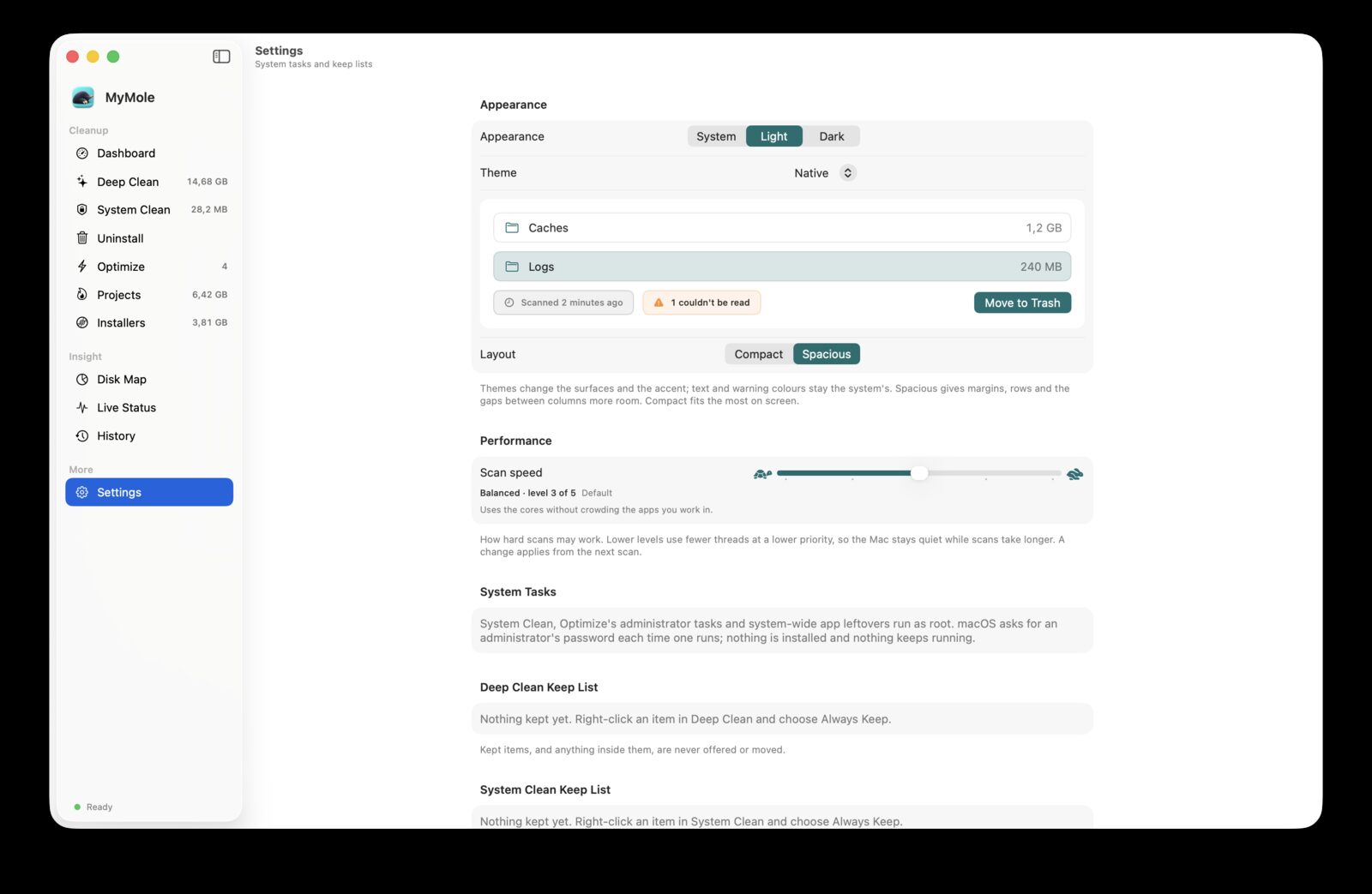
Choose Spacious or Compact density, one of four themes with light and dark variants, and one of five scan performance levels from Gentle to Full. Keep lists and folder access are managed here too.
Also in MyMole: System Clean finds caches in /Library/Caches, logs in /Library/Logs and rotated log archives in /private/var/log (direct edition), and Live Status reads CPU, memory, volumes, throughput, battery and the busiest processes from macOS every 2 seconds, with a health score that says why.
Two editions
One codebase. Two ways to run it.
App Store edition
Runs in the App Sandbox and never asks for root. It works in the folders you grant once in a "Choose folder" window, kept as security-scoped bookmarks, plus Full Disk Access if you allow it.
Deep Clean, Uninstall, Disk Map, Projects, Installers, Optimize, Live Status and History
No System Clean, administrator tasks or system-wide app leftovers
No process list, because the sandbox hides other processes' counters
Direct edition
Signed with a Developer ID and sold outside the App Store. It adds the system tasks. When one runs, macOS asks for an administrator's password in its own prompt and runs MyMole's privileged tool for that one request; nothing is installed or left running.
Everything in the App Store edition
System Clean, Optimize's administrator tasks and system-wide app leftovers
The privileged tool checks every path against its own rules again and removes nothing still installed
Safety
One gate for every removal.
You choose. MyMole proposes safe items and leaves the rest unchosen. Nothing moves until you confirm, and the confirmation lists the paths.
Checked again at the gate. Right before the move, every item is checked against its rules once more, and your keep lists are read fresh.
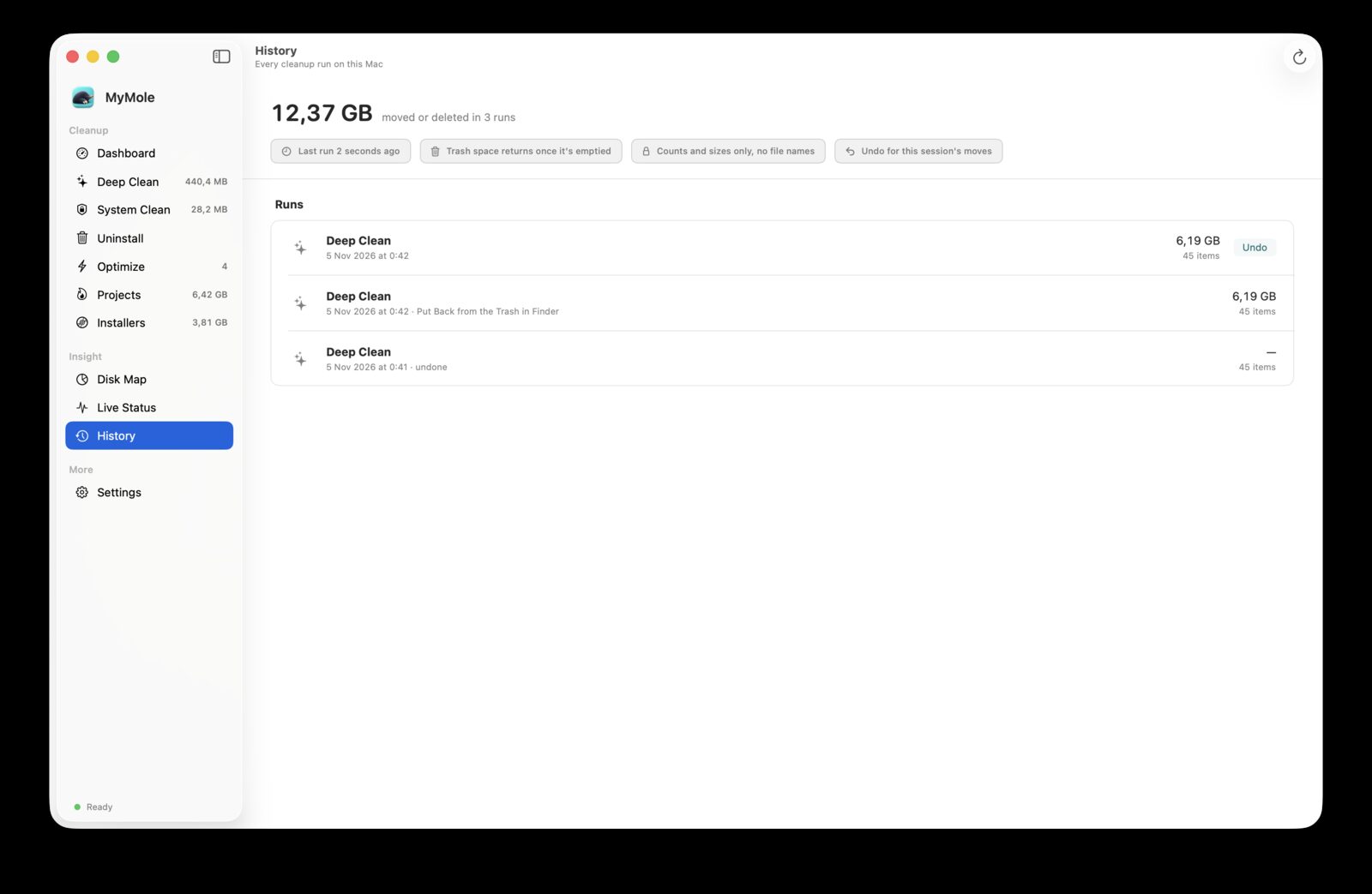
Trash first, Undo always. Your own files go to the Trash and can be undone. Only root-owned system caches are deleted for good, after a password, and the confirmation says so.
Never touched. Keychains, SSH and GPG keys, Time Machine backups and the folders holding them are never moved. Tool caches holding sign-in tokens are not offered.
MyMole makes no network requests. Scan results, snapshots, keep lists and history are stored locally and never leave your Mac. The app has no account, no sync and no telemetry.
Full Disk Access and, in the App Store edition, the folders you choose are the only permissions it asks for. The direct edition asks for an administrator's password through macOS's own prompt, once per privileged request.